Using Wing with Turbogears

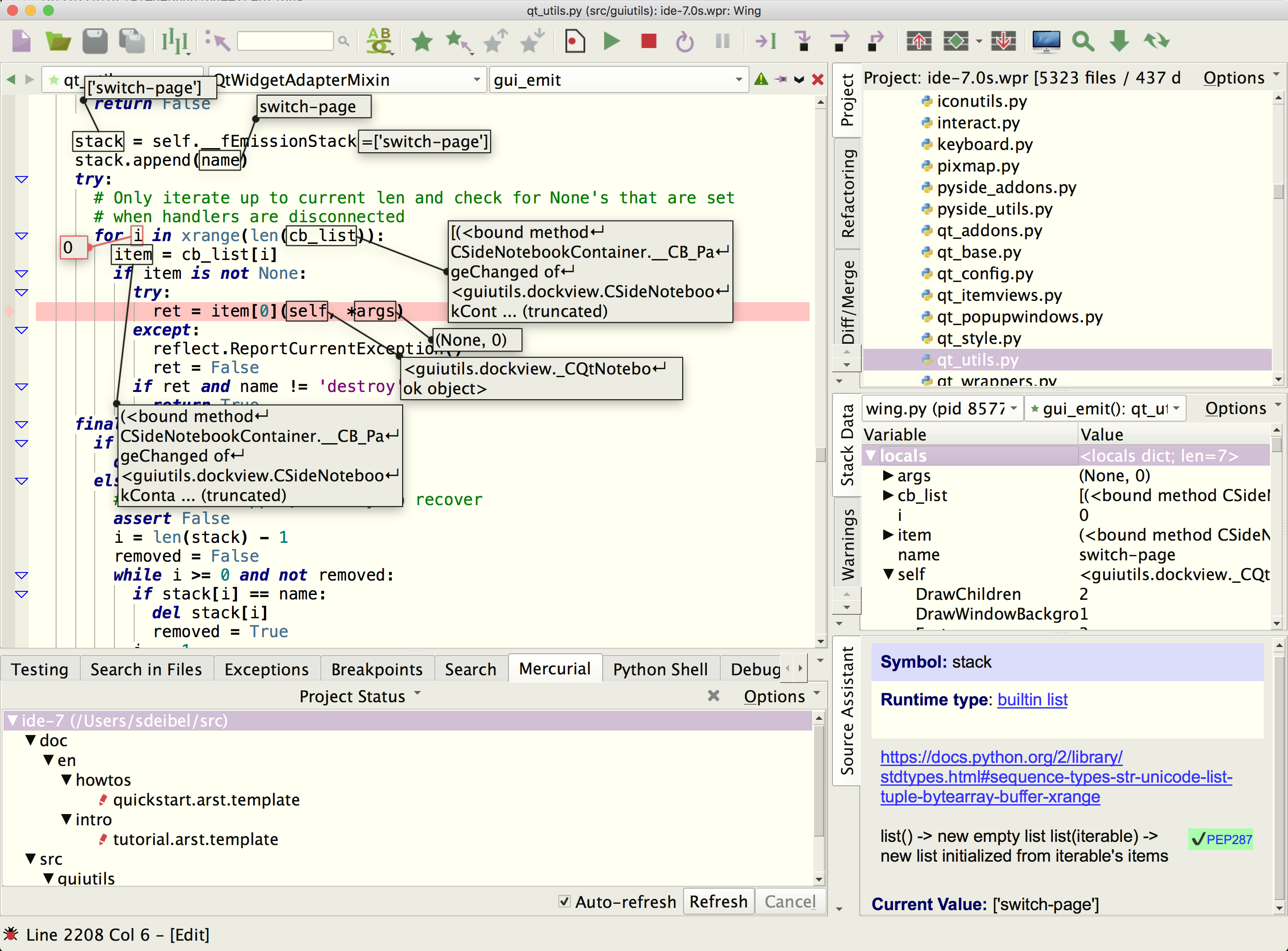
Wing Pro is a Python IDE that can be used to develop, test, and debug Python code written for the Turbogears, web development framework.
If you do not already have Wing Pro installed, download it now.
This document describes how to configure Wing for Turbogears. To get started using Wing as your Python IDE, please refer to the tutorial in Wing's Help menu or read the Quickstart Guide.
Note: This document is not being maintained and was last tested with Turbogears 2.
Project Configuration
This section assumes your Turbogears 2 project is called wingtest. If not, substitute your project name in the following instructions.
- Go into the Turbogears instance directory wingtest and run Wing
- Add your instance directory to the project and save it as wingtest.wpr There is no need to add all of Turbogears to the project; just the instance should suffice.
- Add also the paster to your project. Then open it and and set it as main entry point from the Debug menu
- Open up the Python Shell tool and type import sys followed by sys.executable to verify whether Wing is using the Python that will be running Turbogears. If not, open Project Properties and set the Python Executable to the correct one.
- Next right click on paster and select File Properties. Under the Debug tab, set Run Arguments to serve development.ini (do not include the often-used --reload argument, as this will interfere with debugging). Then also set Initial Directory to the full path of wingtest.
Debugging
To debug Turbogears 2 from Wing:
- Set a breakpoint on the return line of RootController.index() in your root.py or somewhere else you know will be reached on a page load
- Start debugging in Wing from the toolbar or or Debug menu. If Wing shows a warning about sys.settrace being called in DecoratorTools select Ignore this Exception Location in the Exceptions tool in Wing and restart debugging. In general, sys.settrace will break any Python debugger but Wing and the code in DecoratorTools both take steps to keep debugging working in this case.
- Bring up the Debug I/O tool in Wing and wait until the server output shows that it has started
- Load http://localhost:8080/ or the page you want to debug in a browser
Wing should stop on your breakpoint. From here, you can step through code or inspect the program state with Stack Data and other tools. In Wing Pro, the Debug Console provides a command line that allows you to interact with the current stack frame in your debug process. All the debugging tools are available from the Tools menu.
Remote Development
Wing Pro can work with Pyramid code that is running on a remote host, VM, or container. To do this, you need to be able to connect to the remote system with SSH. Then you can create your project in the same way as above, using the Connect to Remote Host via SSH project type. See Remote Hosts for more information on remote development with Wing Pro.
Related Documents
For more information see:
- Turbogears home page for downloads and documentation.
- Quickstart Guide contains additional basic information about getting started with Wing.
- Tutorial provides a gentler introduction to Wing's features.
- Wing Reference Manual documents Wing in detail.