Using Wing with pygame

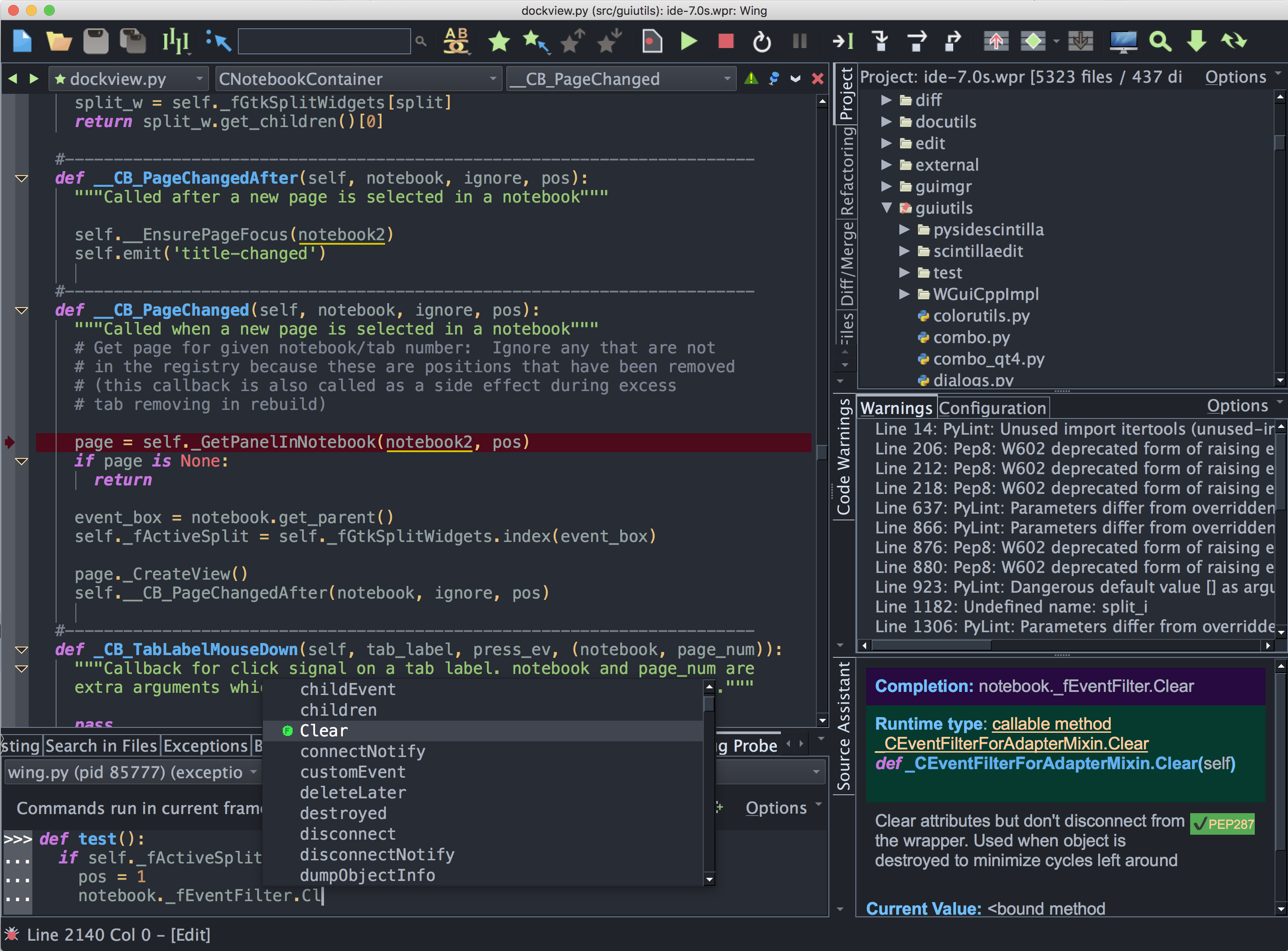
Wing Pro is a Python IDE that can be used to develop, test, and debug Python code written for pygame, an open source framework for game development with Python.
If you do not already have Wing Pro installed, download it now.
This document describes how to configure Wing for pygame. To get started using Wing as your Python IDE, please refer to the tutorial in Wing's Help menu or read the Quickstart Guide.
Project Configuration
Pygame works just fine with Wing without any special configuration. You'll need to first install pygame according to the instructions on the pygame website.
To create a new project, use New Project in Wing's Project menu with Project Type set to Pygame. You'll be able to select or create a source directory for your project and select or create a Python environment. See Creating a Project for details on creating projects in Wing.
After you press Create Project in the New Project dialog, find your main entry point, open it into Wing, and select Set Current as Main Entry Point in the Debug menu.
Debugging
Now you can launch your game from Wing with Start/Continue in the Debug menu. Wing will stop on any exceptions or breakpoints reached while running your game, and you can use the debugger to step through code, inspect the value of variables, and try out new code interactively.
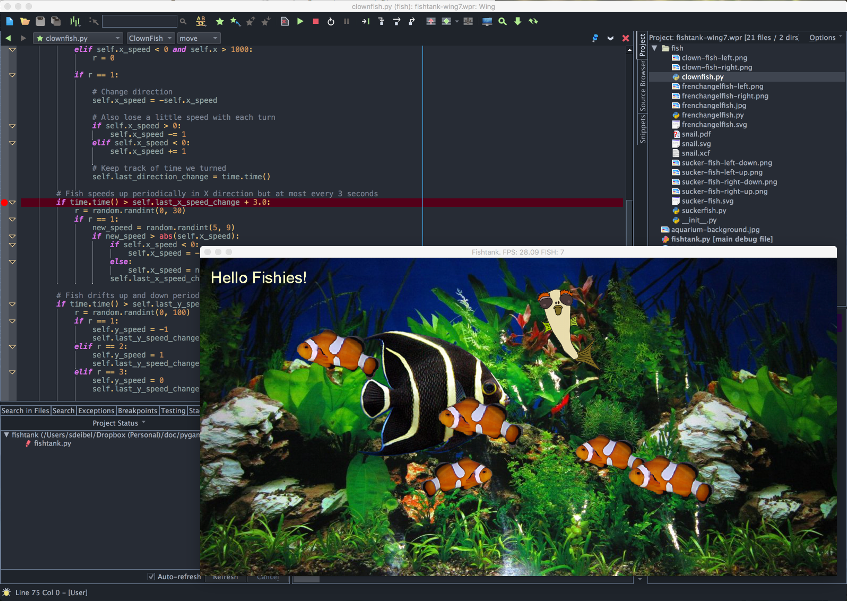
To learn more about Wing's features, please refer to the tutorial in Wing's Help menu or read the Quickstart Guide.
Related Documents
Wing provides many other options and tools. For more information:
- pygame home page provides downloads and documentation.
- Quickstart Guide contains additional basic information about getting started with Wing.
- Tutorial provides a gentler introduction to Wing's features.
- Wing Reference Manual documents Wing in detail.