 Wingware
Editing with Wing Pro
Wing's intelligent editor makes Python coding fast and easy. Powerful static and runtime code analysis provide context-appropriate assistance and smart error checking throughout the editing experience. Emulation for vi, emacs, Visual Studio, Eclipse, MATLAB, and XCode make it easy to get started working with Wing.
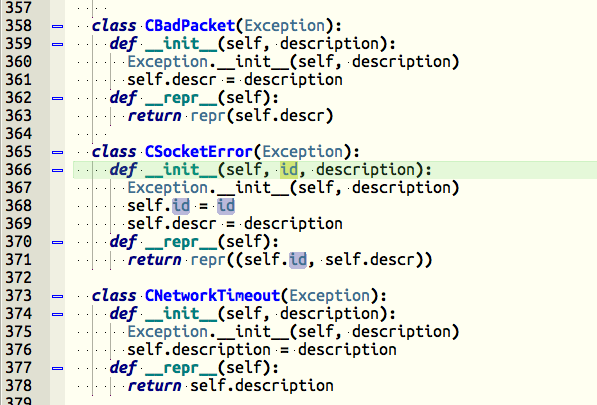
Powerful Code Editor
Wing's editor provides a solid foundation for Python developers, with configurable tabs and splits, code folding, indentation assistance, visit history, error indicators, editor emulation and custom key bindings, multiple selections, auto-save, and many other features. The editor also supports over 80 other languages, including HTML, Javascript, C/C++, YAML, Mako, and many others.
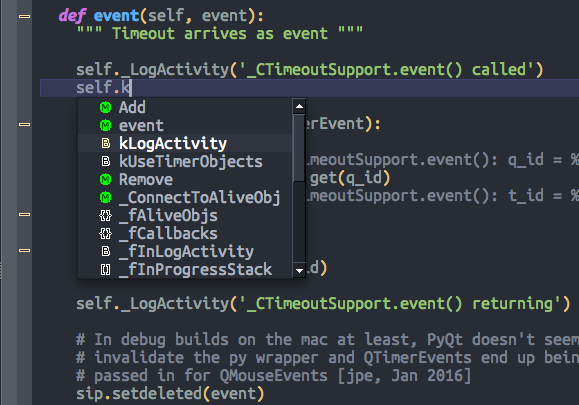
Intelligent Auto-completion
Wing's static and runtime analysis provide high quality context-appropriate completion in the editor, integrated Python Shell, and Debug Console. Or use generative AI to implement new code at the current insertion point, based on existing partially completed code and/or written instructions that you provide.

Error Detection and Code Quality Analysis
Wing's code warnings system provides early identification of coding errors, such as syntax errors, undefined variables and attributes, unresolvable imports, indentation errors, and unreachable code. Additional error detection and code quality inspection a may be obtained from external checkers, including Ruff, pylint, pep8, mypy, and flake8. Code warnings can be managed by removing false positives and less useful warning types, and the resulting configuration may be shared with other projects and users.
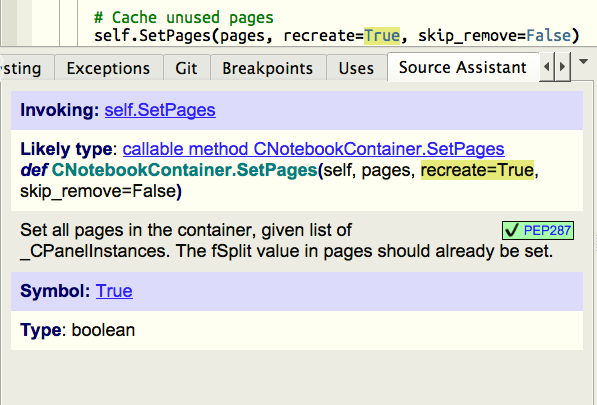
Auto-editing
Invocation assistance auto-enters function and method arguments as you write code, allowing you to tab through the invocation to quickly and correctly place your arguments. Unchanged default arguments are automatically removed and the invocation is rewrapped accordingly. Other configurable auto-editing operations include auto-closing parentheses and quotes, auto-spacing optionally with PEP8 style, auto-fixup of out of order typing, and managing blocks as new code is entered.

Import Management
Wing can automatically add imports from the auto-completer, as you edit code, eliminating the need to move up and down in a file to add imports while writing new code. The Imports tool can be used to view all imports in a file and to identify and remove those that are unused anywhere in your code.
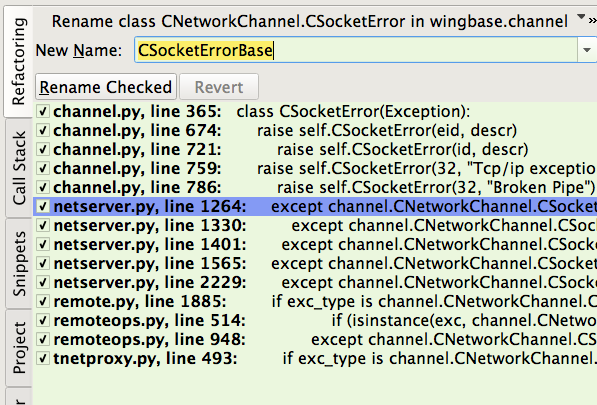
Refactoring
Refactoring is a way to quickly reorganize code without impacting its functionality. Wing supports renaming and moving point of definition of symbols, extracting a new function or method from existing code, introducing a variable for an existing expression, and changing symbol naming style. You can also use generative AI to refactor, redesign, or rewrite code automatically, using your description of the changes that you would like to make.
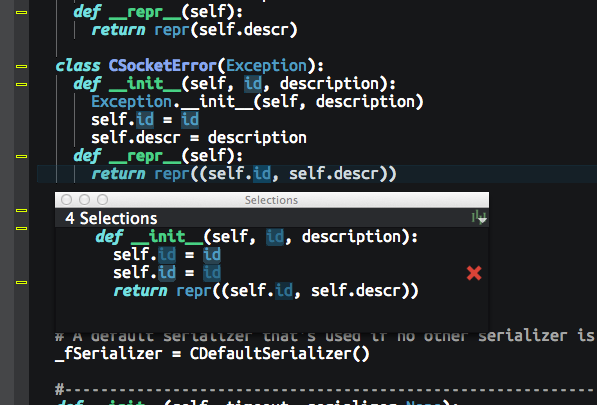
Multi-selection
Quickly make multiple selections of the same string, within a block, scope, or file, or by clicking on the editor, in order to apply edits uniformly to all of the selections at once.
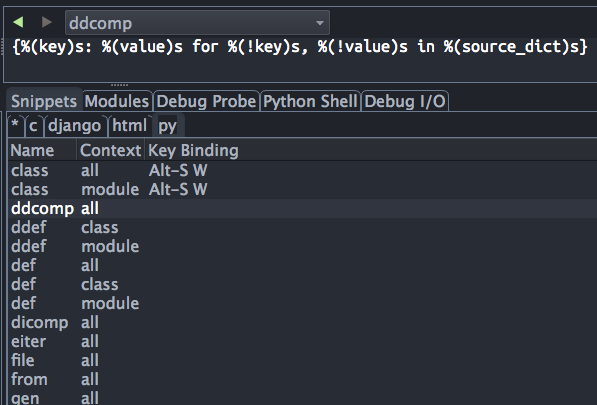
Code Snippets
Code snippets offered in the editor's auto-completer allow rapid entry of standard code templates and often-used structures. Fields in the snippets are entered by tabbing through the code. The same snippet can take different forms depending on the context from which it is invoked.
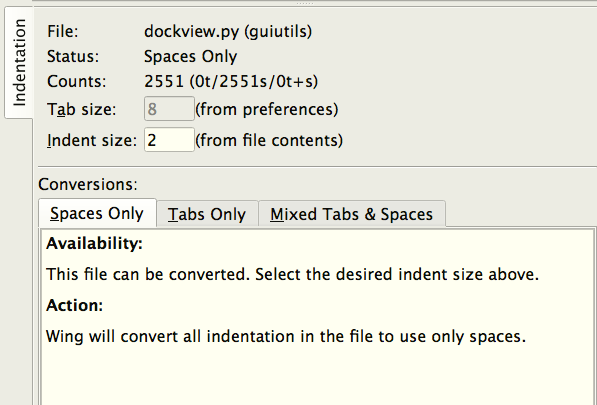
and Much More
Some of the many other editor features include bookmarks, macros, auto-reload of externally changed files, indentation conversion, keyboard-driven text and regular expression search and replace, line-oriented editing, brace matching, line numbering, unlimited depth undo, and optionally visible white space. Custom editor features can be added by writing Python scripts, which can appear in menus, the toolbar, or be bound to keys.