 Wingware
Using Wing with py4web
 Classic+
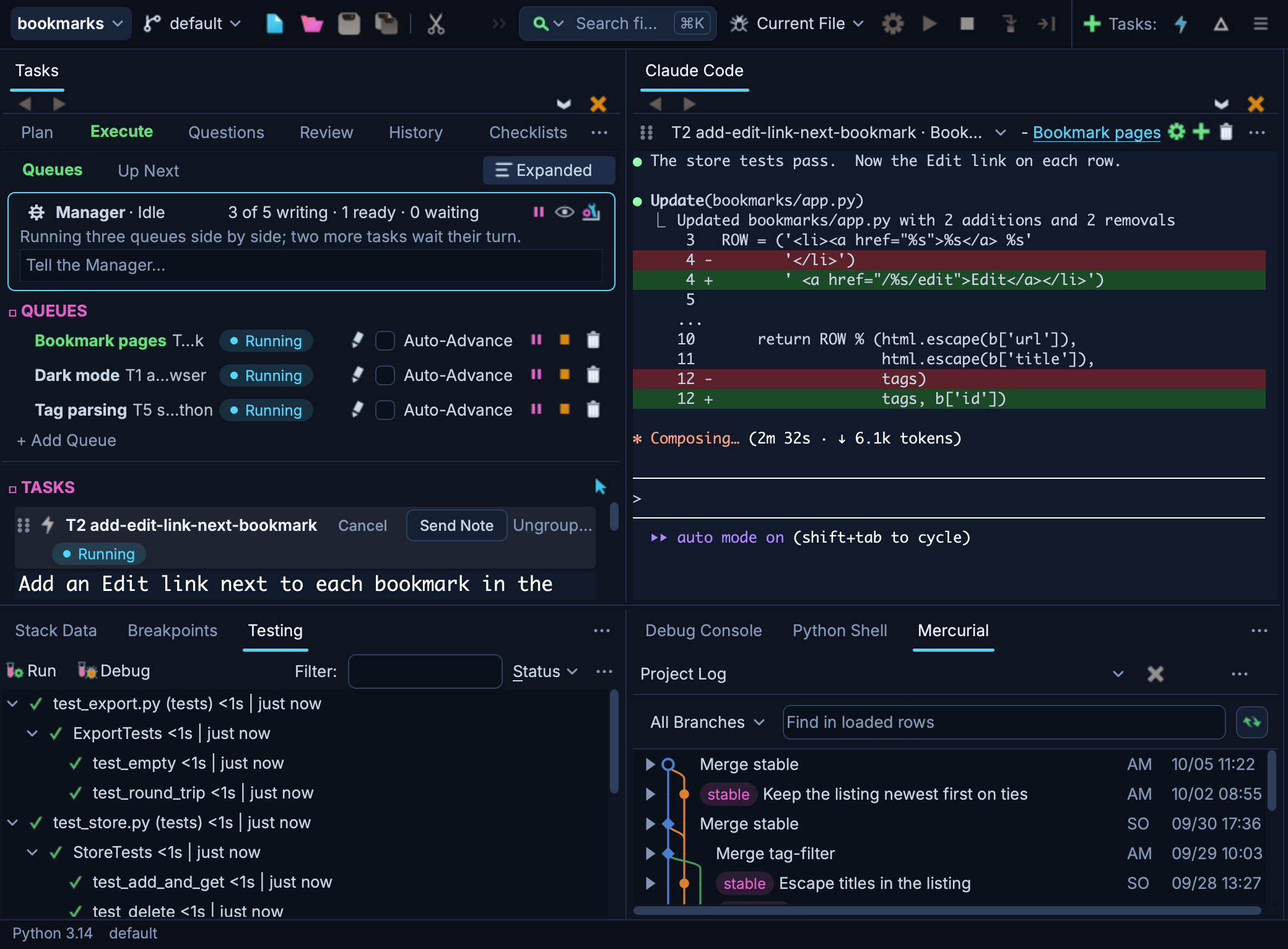
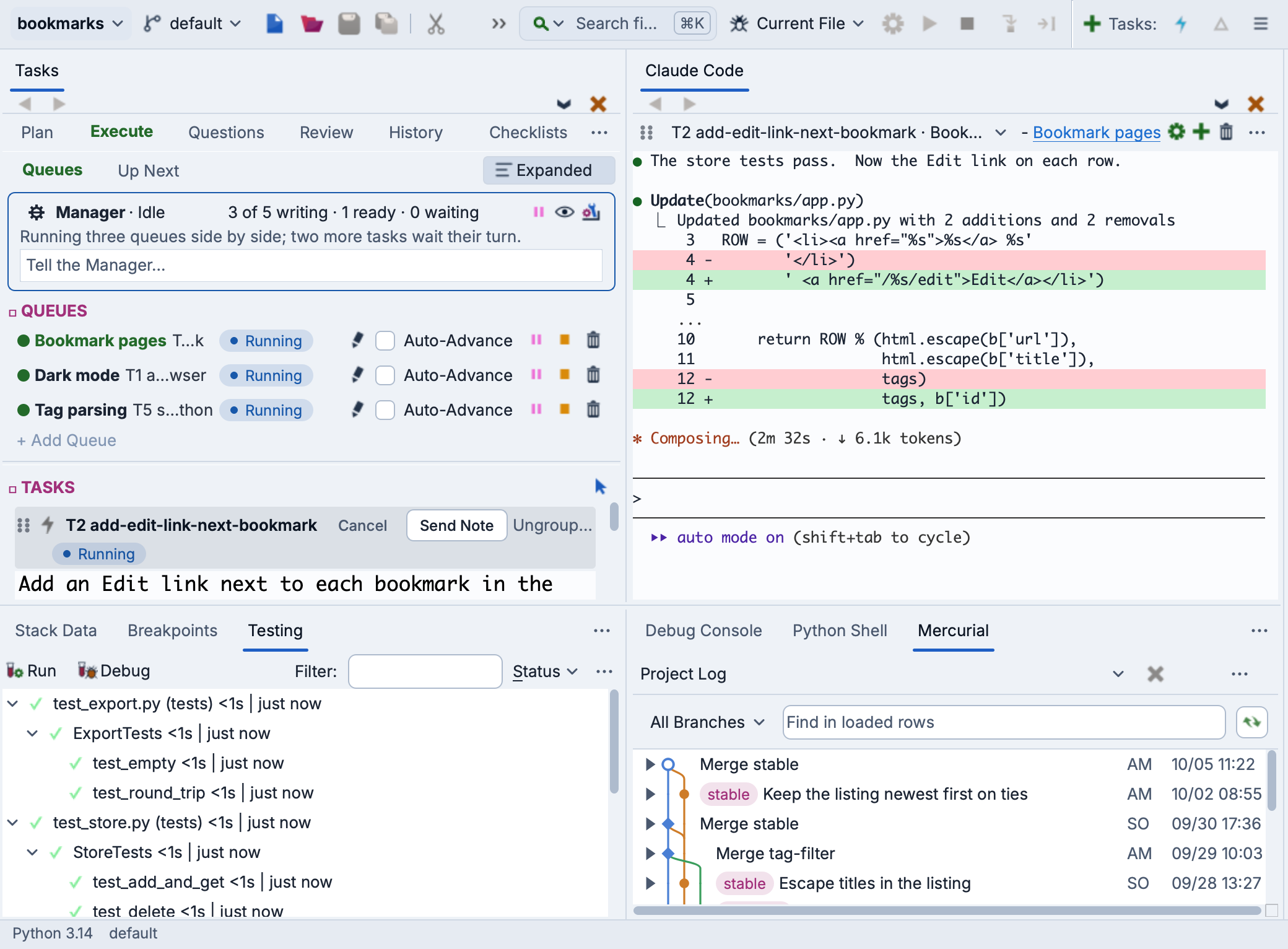
Wing is a Python IDE that can be used to develop, test, and debug Python code written for py4web, the web framework that succeeds web2py.
If you do not already have Wing installed, download it now.
This document describes how to configure Wing for py4web. To get started using Wing as your Python IDE, please refer to the tutorial in Wing's Help menu or read the Quickstart Guide.
Project Configuration
To create a new project, use New Project in Wing's Project menu. Choose the Existing directory or New directory card to select or create your source directory. Then, under Python, select the Python environment that py4web is installed into, or create a new environment and enter py4web under Packages to Install. See Creating a Project for details.
Once the project has been created, set up your apps folder and the dashboard's password in the source directory by running the following in the OS Commands tool or a terminal in which your environment is active:
py4web setup apps
py4web set_password
Debugging
Wing debugs py4web by running its command line from a small launch script. Add a file named run_py4web.py to your source directory, next to apps, with the following contents:
import sys
from py4web.core import cli

sys.argv = ["py4web", "run", "apps"]
cli()
Then open run_py4web.py and select Set Current as Main Entry Point in the Debug menu. Now Start/Continue in the Debug menu starts py4web under Wing's debugger, its output appears in the Debug I/O tool, and loading pages from http://localhost:8000 in a browser reaches breakpoints and exceptions in your apps.
By default, py4web reloads changed apps in the same process on the next request, so breakpoints keep working without restarting the debug process. Changes to py4web itself require a restart.
Running more than one worker with --number_workers starts additional processes, which Wing will only debug if you check Debug Child Processes under the Debug/Execute tab in Project Properties.
Remote Development
Wing can work with py4web code that is running on a remote host, VM, or container. To do this, select or create a remote host in the Host menu under All Options in the New Project dialog, and add "--host", "0.0.0.0" to the arguments in run_py4web.py so that py4web accepts connections from outside the remote system. See Remote Hosts for details.
Related Documents
For more information see:
- py4web home page provides links to documentation.
- Quickstart Guide contains additional basic information about getting started with Wing.
- Tutorial provides a gentler introduction to Wing's features.
- Wing Reference Manual documents Wing in detail.