 Wingware
Using Wing with FastAPI
 Classic+
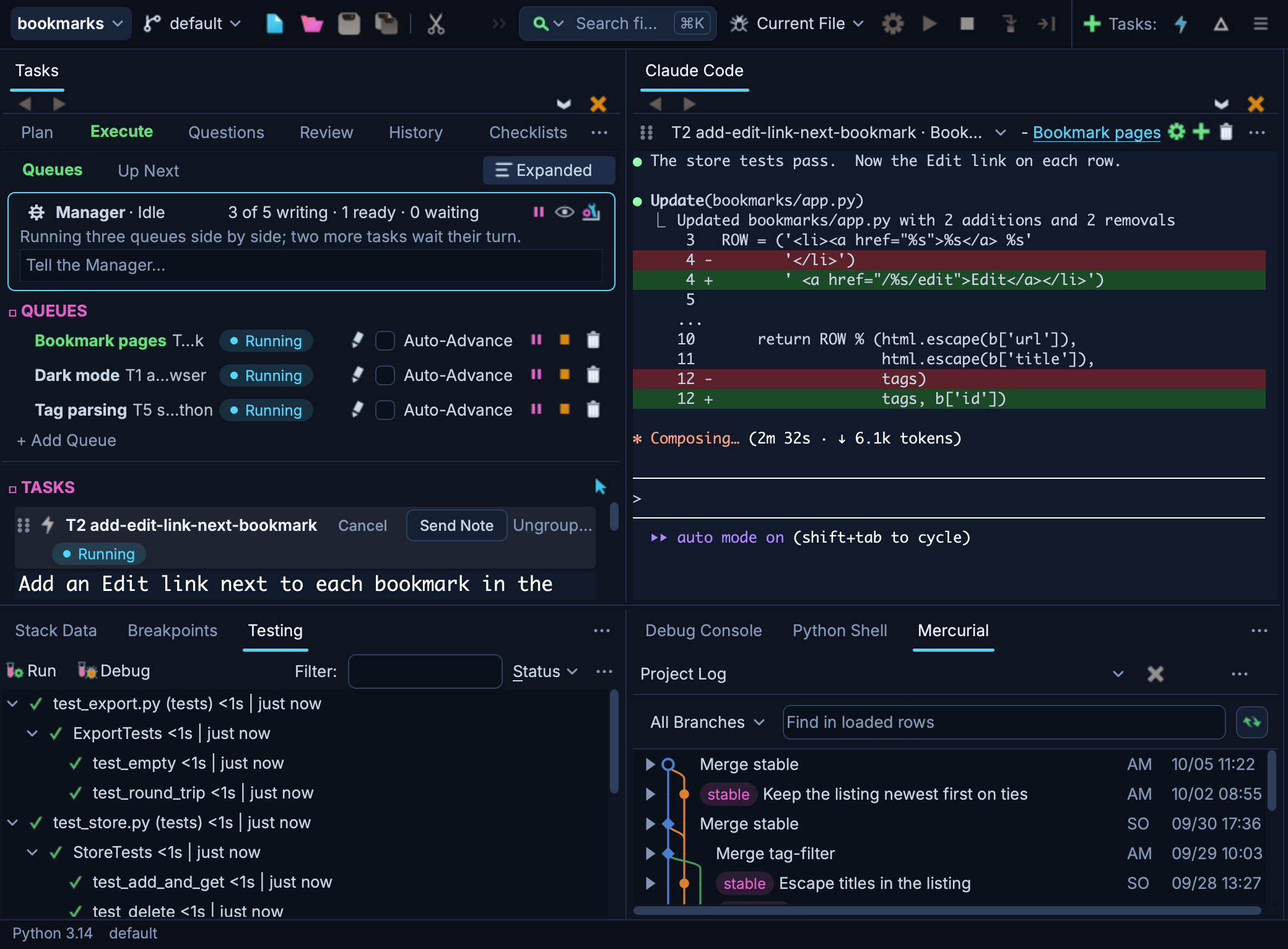
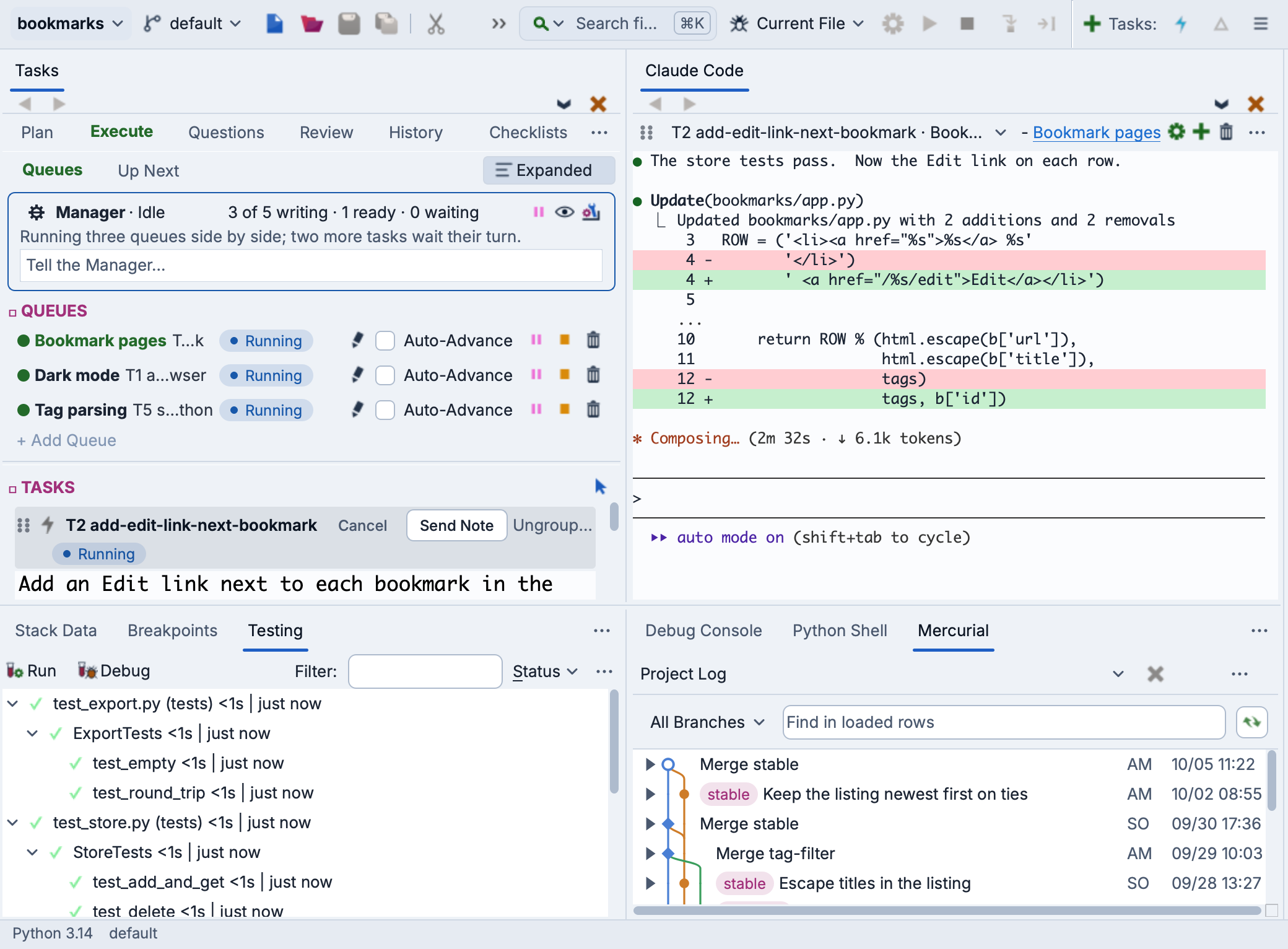
Wing is a Python IDE that can be used to develop, test, and debug Python code written for the FastAPI web framework.
If you do not already have Wing installed, download it now.
This document describes how to configure Wing for FastAPI. To get started using Wing as your Python IDE, please refer to the tutorial in Wing's Help menu or read the Quickstart Guide.
Project Configuration
To create a new project, use New Project in Wing's Project menu and press All Options if it is shown, since Working With is set there. Choose the Existing directory or New directory card to select or create your source directory, and then set Working With above the list of sections to FastAPI. Then select or create the Python environment to use with your new project under Python. When you create a new environment, Wing fills in fastapi and uvicorn as the packages to install. See Creating a Project for details.
The preset checks Debug Child Processes under the Debug/Execute tab in Project Properties, so that Wing debugs the process that uvicorn's auto-reload runs your app in.
For a new directory, Wing also writes a starter app in main.py, sets it as the main entry point, and sets a breakpoint in it. Press Start/Continue in the Debug menu and load http://localhost:8000 in a browser to reach the breakpoint.
Remote hosts and containers are set up as described in Using Wing with Flask, including the forwarding of port 8000.
Debugging an Existing App
To debug an existing app with auto-reload, start uvicorn from your code as in the following example, where main:app names the module and the FastAPI instance in it:
import uvicorn

...

if __name__ == "__main__":
    uvicorn.run("main:app", host="0.0.0.0", port=8000, reload=True)
Then open this file and select Set Current as Main Entry Point in the Debug menu. If you did not use the FastAPI preset, check Debug Child Processes as described above. uvicorn will restart your app whenever you save a changed source file, and Wing debugs each new process.
Alternatively, leave out reload=True to run your app in a single process, without reloading changed code. Debug Child Processes is not needed in this case.
Related Documents
For more information see:
- FastAPI documentation covers FastAPI's features and deployment.
- Quickstart Guide contains additional basic information about getting started with Wing.
- Tutorial provides a gentler introduction to Wing's features.
- Wing Reference Manual documents Wing in detail.